
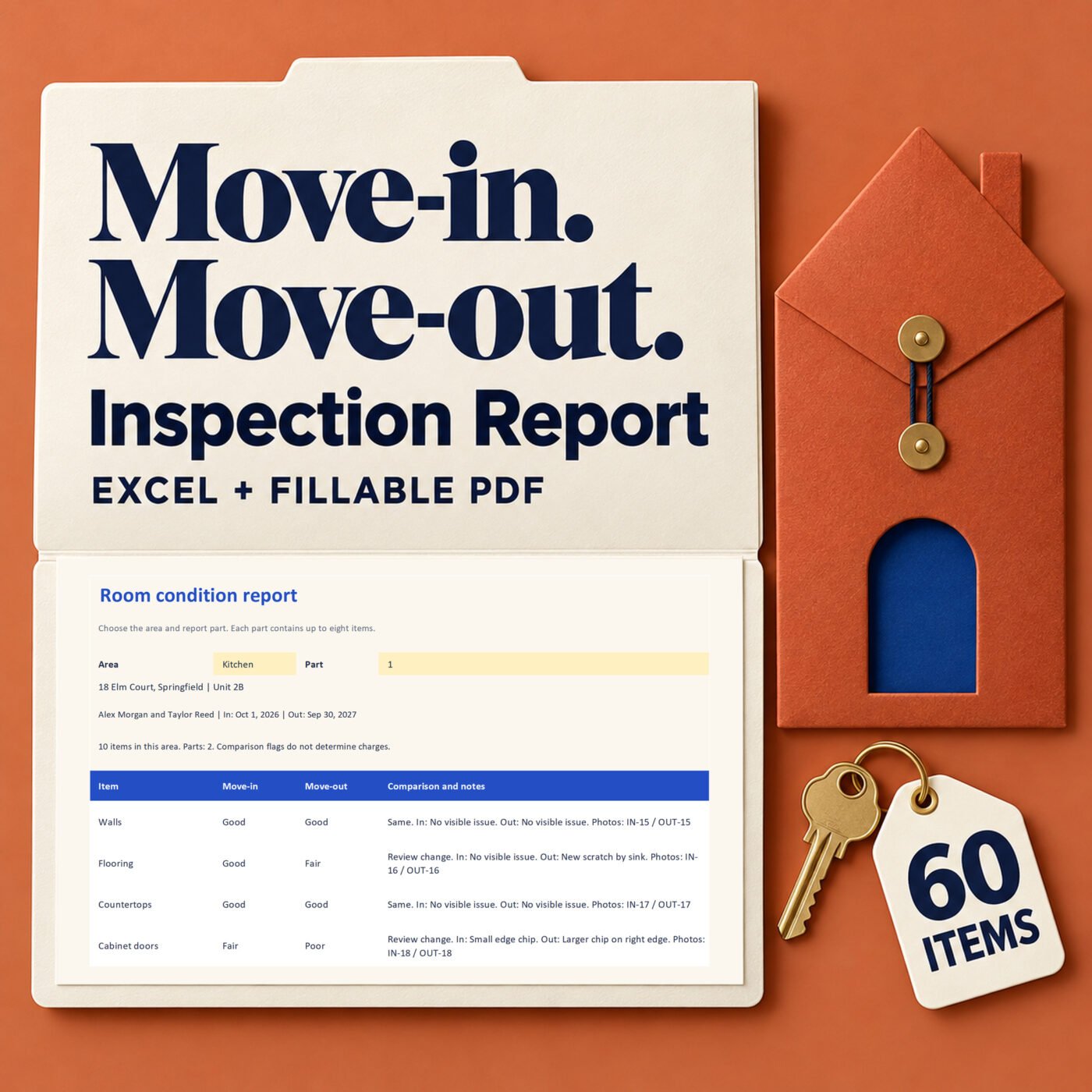
What it does
Record both visits in one inspection log. Compare conditions, review changes and print a room report with automatic notes.
Includes 60 editable item rows across eight areas, keys and meter records, an example and blank workbook, and separate fillable PDF checklists in US Letter and A4.
Microsoft Excel desktop for Windows was used for checks. Other spreadsheet apps are untested. PDF forms are manual and do not sync with Excel. No automatic charges, legal compliance or deposit decision is provided.
A real example
- Inspection items
- 60
- Changes to review
- 3
- Pending or verify
- 2
Fictional Elm Court tenancy: 60 items, 3 worse condition comparisons and 2 not-compared items. The kitchen has 10 items across two report parts. Names are not signatures and no photo files are included.

I run Forms and Sheets. If you have a question about this file, you can email me. Email Hamza
What is inside
| Section | What it does |
|---|---|
| Start Here | Six setup steps and practical notes |
| Summary | Counts by area, condition changes and pending records |
| Property | Address, tenants, inspection dates and attendees |
| Inspection | 60 editable item rows with both visits and photo references |
| Room Report | Choose an area and part; up to eight items per printable page |
| Handover | Keys, access items, meter readings and acknowledgment records |
| Settings | Eight unique area names and five fixed condition choices |
Questions
What does the report calculate?
It compares Good, Fair and Poor conditions, flags missing or unverified records, counts changes and writes a report note. It does not calculate deposit deductions.
Can I rename rooms and items?
Yes. Eight area names and all 60 item labels are editable. Area names must remain unique. Update the Inspection entries if you rename an area in Settings.
How do I print the report?
Choose an area and part in Room Report. Each part contains up to eight items. Print each part separately; the header gives the number of parts.
Are photos included or embedded?
No. Enter the references to your own original photo files. Keep those files separately.
Do the PDFs sync with Excel?
No. The two 10-page PDF checklists are separate fillable or printable manual forms.
Which software do I need?
Microsoft Excel desktop for Windows was used for checks. Other spreadsheet apps are untested. Use a PDF reader with form support for the fillable checklists.
Is this a signed legal form?
No. Typed names are acknowledgment records, not electronic signatures. Check the inspection and signature requirements for your location.
What files do I receive?
An example and blank Excel workbook, a fillable checklist in US Letter and A4, and a two-page guide. Five files in total.
