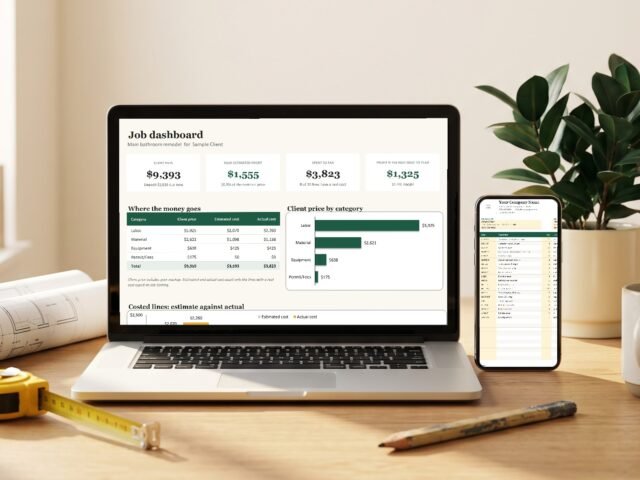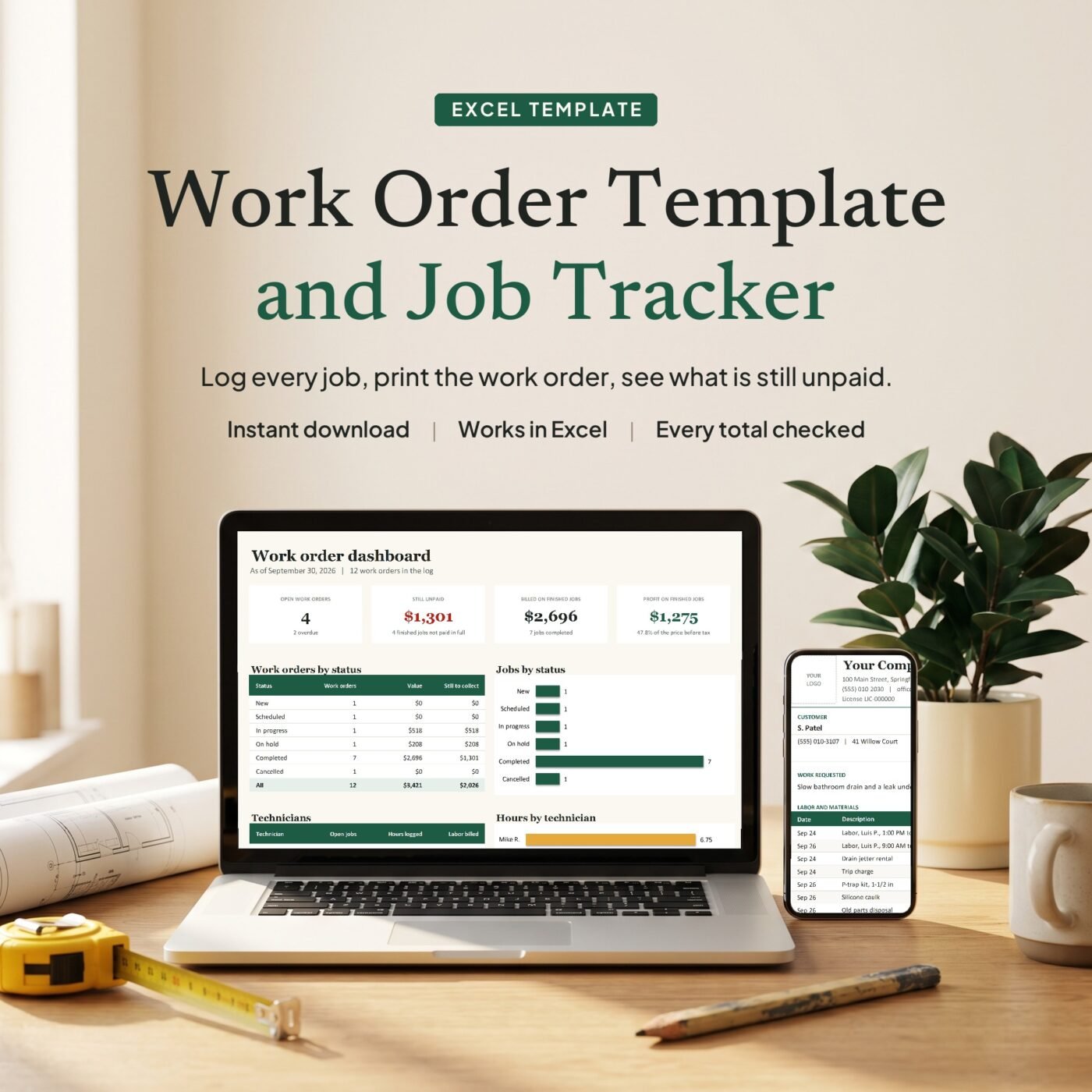
What it does
Each job gets one row on the Work Orders tab: the customer, what is wrong, who goes and when it is due. The hours of each visit go on the Time Log and the parts on Parts Used, with the job’s number. The total, sales tax, balance and your profit fill in by themselves, and jobs that are late or not paid in full flag themselves.
Pick a job number on the Work Order Form and the whole work order fills in, ready for your customer to sign. Print it or save it as a PDF. Leave the number empty and it prints a blank form to take on the road.
It is made for plumbers, HVAC and electrical techs, handymen and small service companies with one to six technicians who bill by the hour plus parts.
A real example
- Labor
- $340.00
- Parts and materials
- $209.49
- Discount
- -$20.00
- Sales tax 7%
- $1.52
- Total
- $531.01
- Paid
- $150.00
- Balance due
- $381.01
Work order 1007 inside the file (a slow drain and a leak), as Excel works it out. Your profit on it: $209.19.

Founder of DevTonic Studios. I build the spreadsheets small businesses keep asking me for. How I make and test them
What is inside
| Tab | What it does |
|---|---|
| Start Here | Six steps to get going, in plain words |
| Dashboard | Open jobs, what is unpaid, what you billed and what you kept |
| Work Orders | One row per job, with total, balance, flag and profit |
| Work Order Form | Any job as a work order to print and sign, or a blank form |
| Time Log | Each visit's hours, rounded the way you bill |
| Parts Used | Parts, materials and fees from your price list, with markup |
| Price List | Up to 100 items with your own costs |
| Settings | Sales tax, time rounding, markups, rate types and technicians |
Questions
Do I need to know Excel formulas?
No. You only type in the yellow cells. Totals, sales tax, balances, the Overdue and Unpaid flags and the printed work order fill in by themselves, and the Start Here tab walks you through it in six steps.
How do I print a work order for one job?
On the Work Order Form tab, pick the job number in the yellow box. The customer, the work asked for, every visit's hours, every part and the totals fill in. Print it or save it as a PDF. Clear the box and it prints a blank work order to fill in by hand.
How are the hours worked out?
You type the time in and the time out. The hours round up to the step you set in Settings (15 minutes in the example, 1 for exact minutes), and the rate comes from the technician and the rate type: standard, overtime at 1.5 times or emergency at 2 times.
Is sales tax charged on labor?
Only if you switch it on. In the example tax is charged on parts and materials only. Settings has a Yes or No for labor and one for each price list category.
How many jobs does it hold?
100 work orders, 300 time lines, 300 parts lines, 6 technicians and 100 price list items.
What do Overdue and Unpaid mean?
Overdue: the job is not completed and its due date has passed. Unpaid: the job is completed but less than its total has been paid.
How do I get the file after I pay?
You get the download link on the screen right after checkout, and in your email receipt.