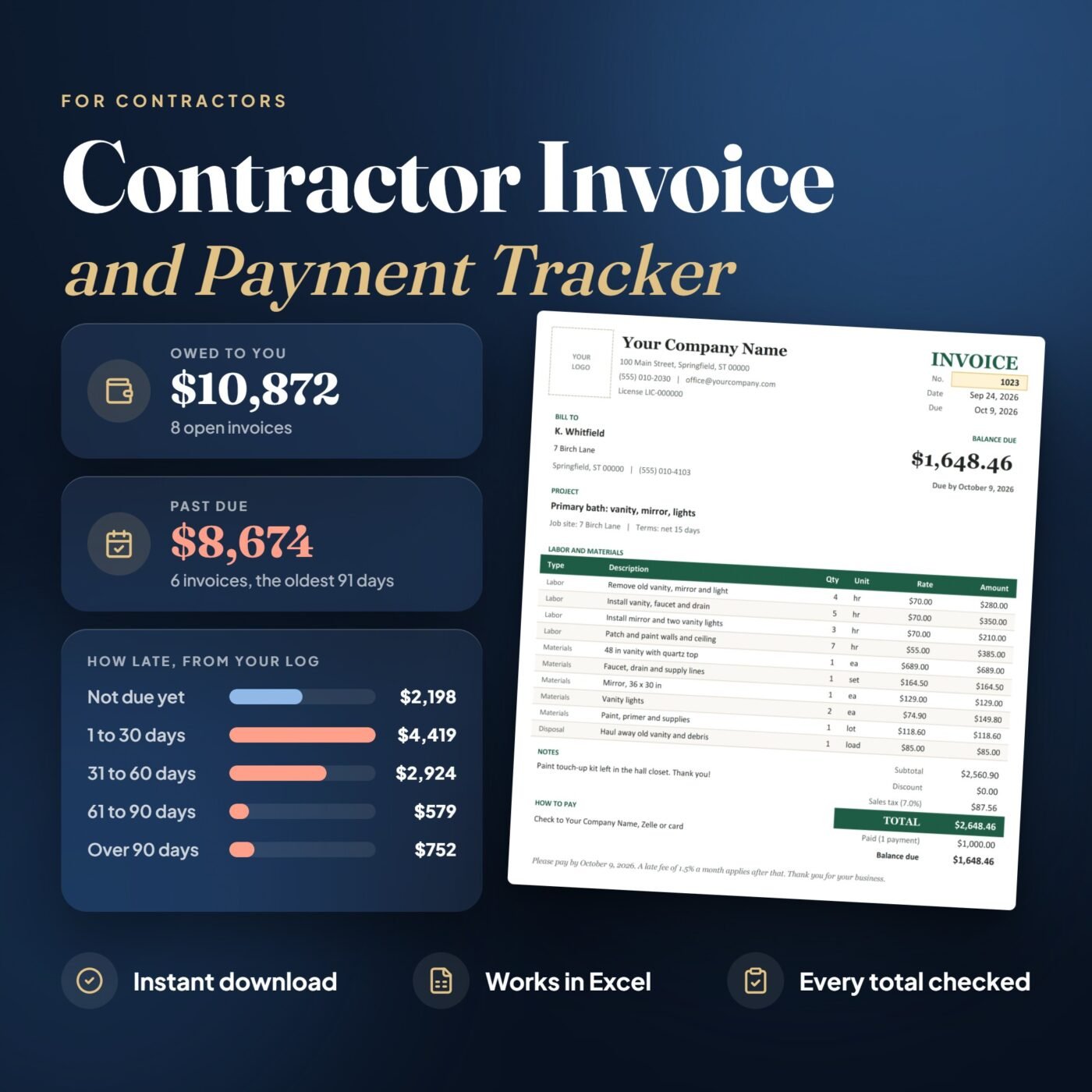
What it does
Add your clients once. For each job, add an invoice row and its labor and materials on the Line Items tab, then pick the invoice number on the Invoice tab: the finished invoice, with your business, the client, every line, sales tax and the balance due, ready to print or save as a PDF.
Log each payment as it comes in, deposits and part payments too. Every invoice shows its balance and whether it is paid, part paid or past due, the Statement tab lists all one client still owes by age, and the Dashboard shows what you are owed, what came in each month and who owes you the most.
It is made for contractors, remodelers, handymen and trades who send their own invoices: homeowners, property managers and general contractors alike.
A real example
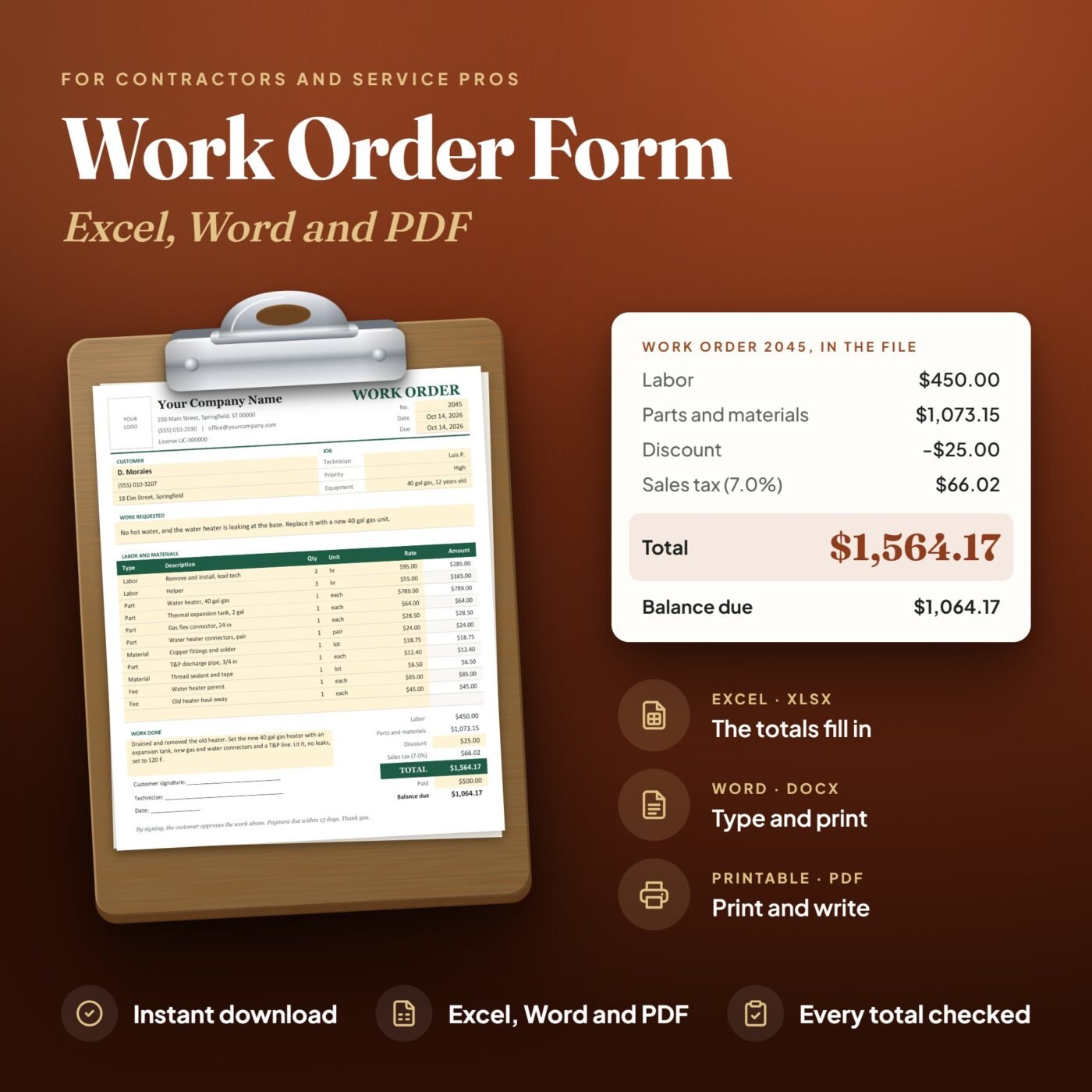
- Labor
- $1,225.00
- Materials
- $1,250.90
- Disposal
- $85.00
- Sales tax (7.0%)
- $87.56
- Total
- $2,648.46
- Paid (deposit)
- $1,000.00
- Balance due
- $1,648.46
Invoice 1023 inside the file, a bathroom refresh with a deposit paid, as Excel works it out. Its balance due by October 9, 2026: $1,648.46.

I run Forms and Sheets. If you have a question about this file, you can email me. Email Hamza
What is inside
| Section | What it does |
|---|---|
| Start Here | Six steps to get going, in plain words |
| Dashboard | What you are owed, what is past due, money in by month, who owes the most |
| Invoice | Pick a number: the finished invoice, ready to print or save as a PDF |
| Statement | Pick a client: every open invoice, by age, with their total due |
| Invoices | One row per invoice: total, paid, balance, status and days late fill in |
| Line Items | Labor, materials, subcontractors and fees for each invoice |
| Payments | Each payment and deposit, with the invoice it pays |
| Clients | Billing address, their own payment terms, what each one owes |
| Settings | Your business, sales tax, terms, late fee and how clients pay you |
Questions
Do I need to know Excel formulas?
No. You only type in the yellow cells. Totals, sales tax, due dates, balances and the dashboard fill in by themselves, and the Start Here tab walks you through it in six steps.
How do I make an invoice?
Add one row on the Invoices tab with its number, date, client and job, then its lines on Line Items with the same number: labor, materials, a subcontractor, a fee. On the Invoice tab, pick the number. The finished invoice is ready to print or save as a PDF to email.
How are payments and deposits tracked?
Each payment you receive goes on the Payments tab with the invoice it pays, deposits too. The balance, the status (open, part paid, paid or past due) and the days late update by themselves. A payment larger than the invoice is flagged.
What does the Statement do?
Pick a client and it lists every invoice they still owe, with what is not due yet and what is 30, 60 or 90 days late, and their total due. Print it or save it as a PDF when you chase a payment.
How does sales tax work?
You set your rate in Settings and mark which line types are taxed. In the example materials are taxed and labor is not. Your state decides what is taxable; ask your tax preparer.
Can a client have different payment terms?
Yes. Your usual terms (net 15 in the example) are in Settings, a client can have their own (net 30 for a property manager), and one invoice can have its own too, for example a deposit due on receipt.
How much does it hold?
Up to 200 invoices, 600 invoice lines, 400 payments and 50 clients.
Do I have to delete the example before I start?
No. Your download has two files: the example, with nine clients and 24 invoices filled in so you can see how it works, and a blank copy of the same workbook, ready for your own invoices.
How do I get the file after I pay?
You get the download link on the screen right after checkout, and in your email receipt.