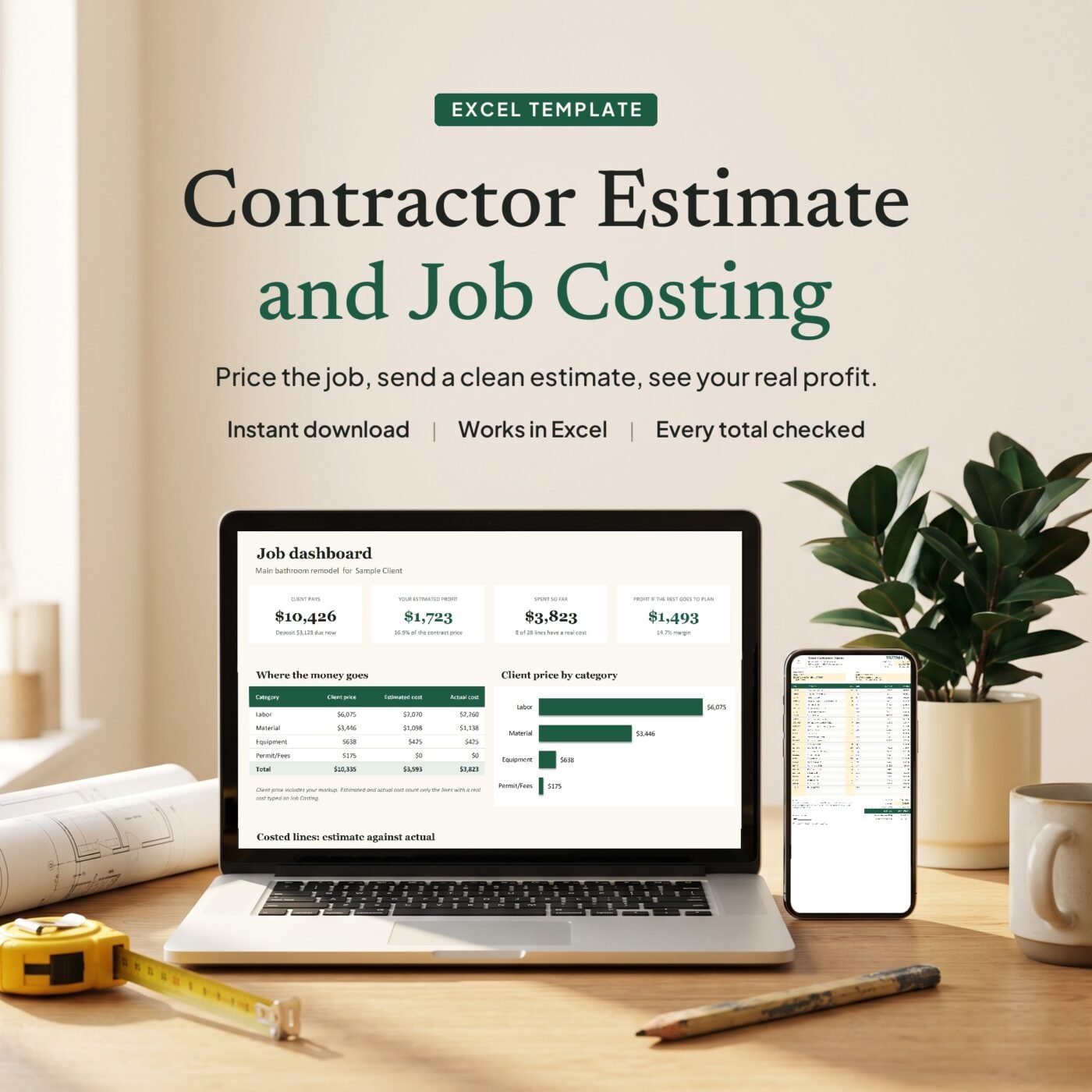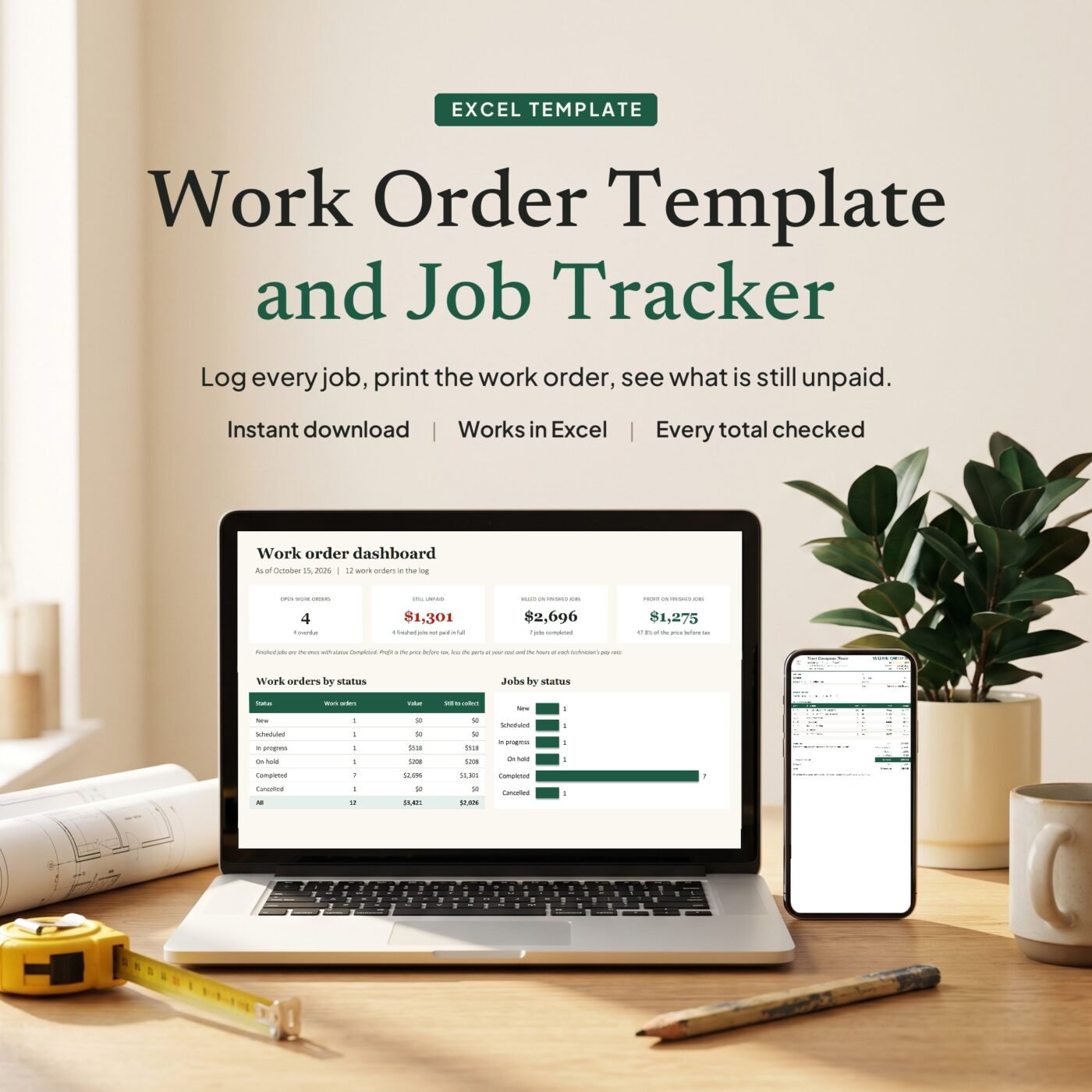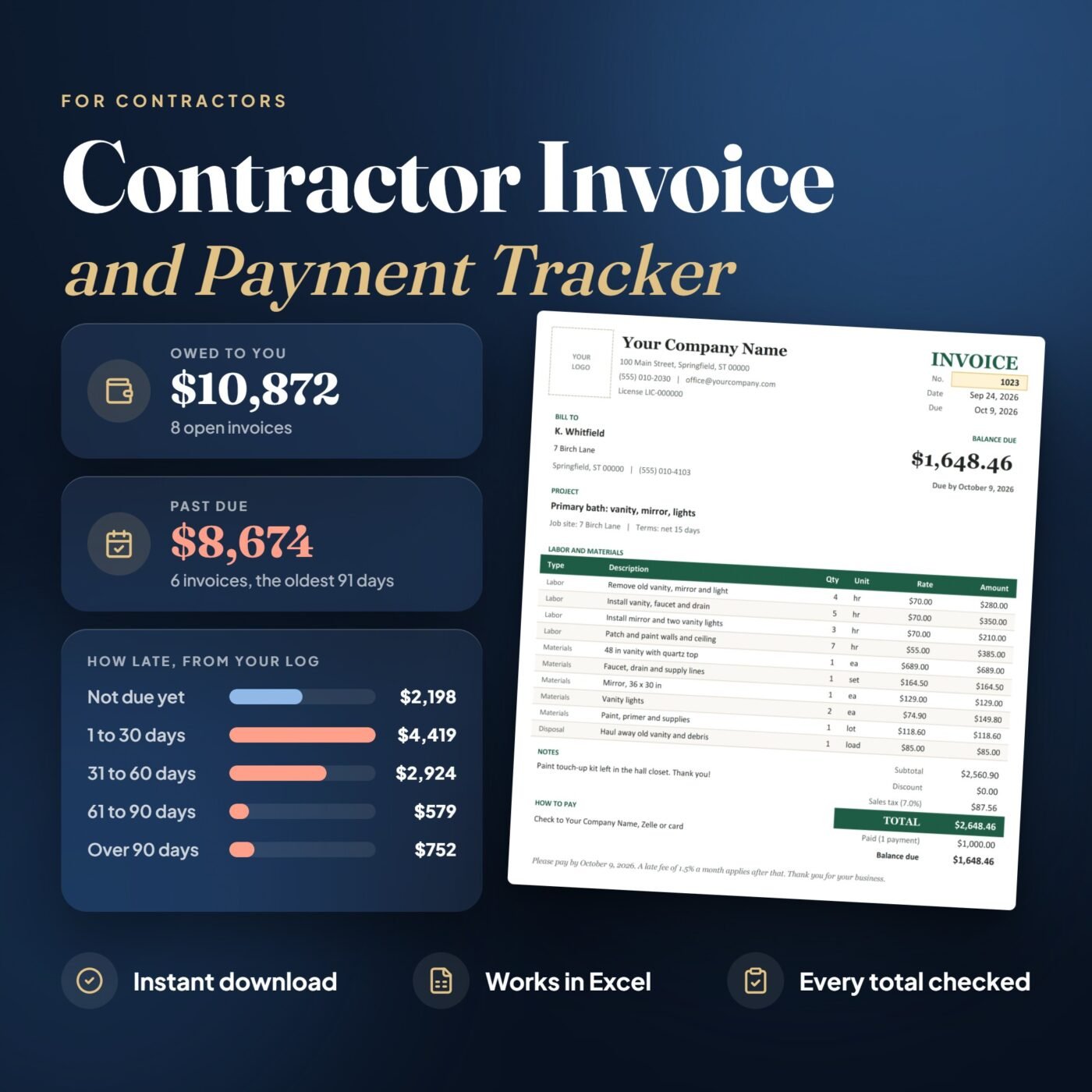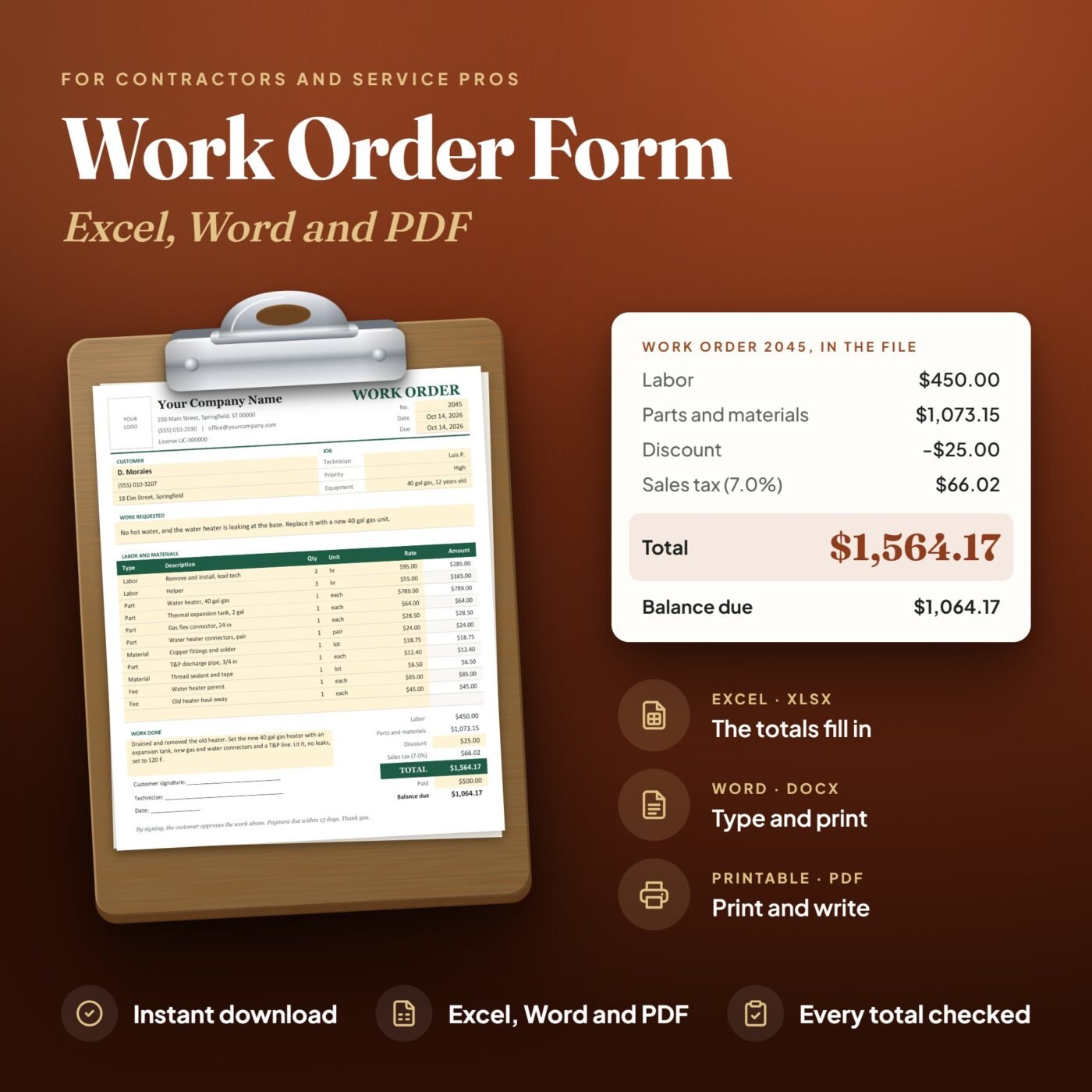
What it does
Put each job on the Jobs tab with the price you agreed and any change orders. Budget it line by line on the Costs tab: the job number, a category, the item and what it should cost. When a bill comes in, type what it really cost next to its budget.
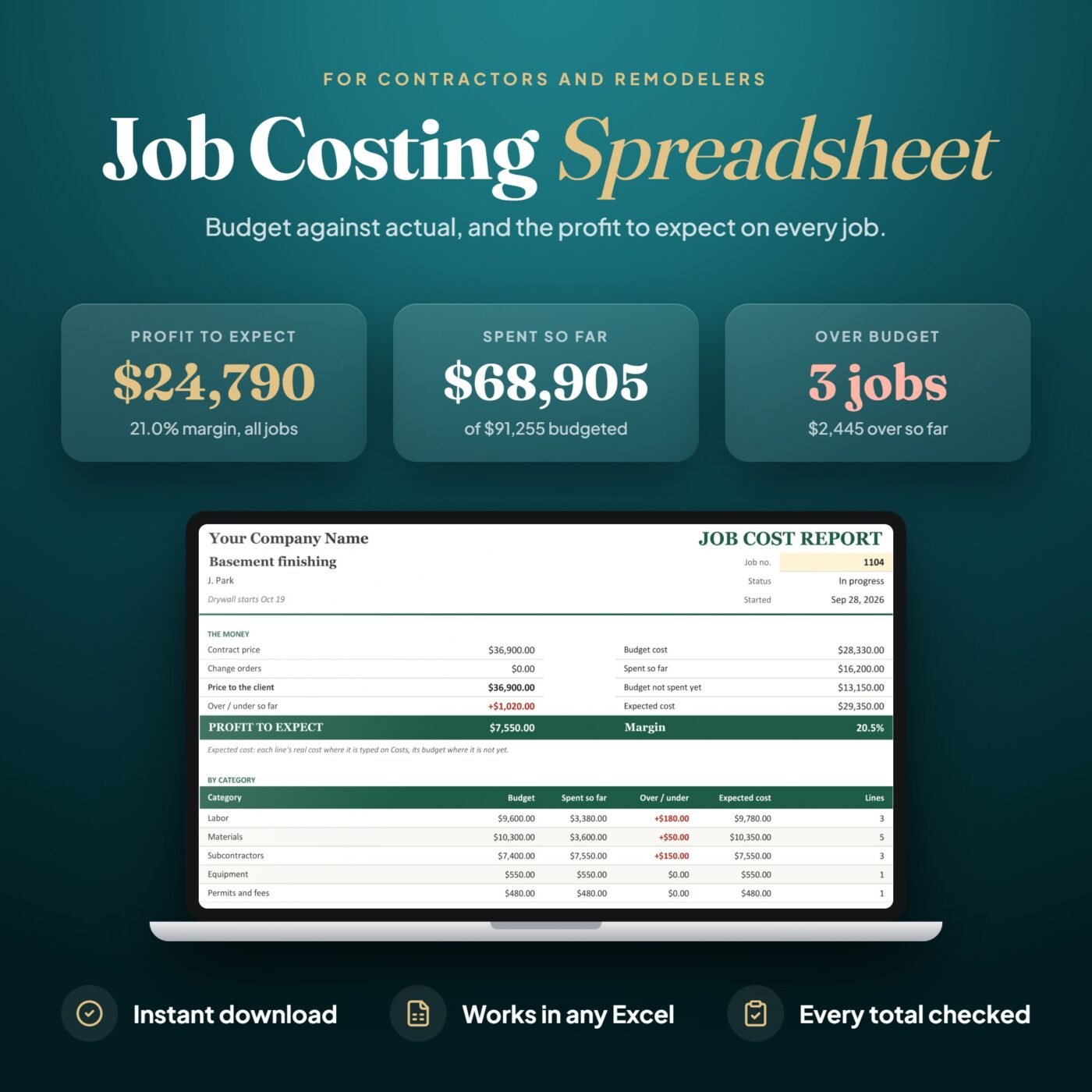
Every job then shows its budget, what is spent so far, how far over or under the lines done are, the cost to expect when it is finished and the profit and margin that leaves. The Job Report prints one job on a page, by category and line by line.
The Dashboard shows all jobs: the profit to expect, the money spent, the jobs over budget and the five cost lines that went furthest over.
A real example
- Price to the client
- $36,900.00
- Budget cost
- $28,330.00
- Spent so far
- $16,200.00
- Budget not spent yet
- $13,150.00
- Expected cost
- $29,350.00
- Profit to expect
- $7,550.00
Job 1104 in the file, a basement finishing job still in progress, as Excel works it out: $1,020.00 over on the lines done so far, a 20.5% margin to expect.

I run Forms and Sheets. If you have a question about this file, you can email me. Email Hamza
What is inside
| Section | What it does |
|---|---|
| Start Here | Six steps to get going, in plain words |
| Dashboard | Profit to expect, money spent, jobs over budget and the biggest overruns |
| Jobs | One row per job: price, change orders, budget, spent, over or under, profit and margin |
| Costs | One line per cost: budget and actual side by side, over in red, under in green |
| Job Report | One job on a page: the money, by category, and every cost line |
| Settings | Your business and your six cost categories |
Questions
Who is it for?
Remodelers, builders, roofers, deck and fence crews, any contractor who wants to know what a job really makes, while it is still running.
How does it work?
One row per job with the price you agreed, then one line per cost on the Costs tab: the job number, a category, the item and its budget. When the bill comes in, type what it really cost.
What is the profit to expect?
The price with change orders, less each line's real cost where you have typed it and its budget where you have not yet. It moves as the bills come in, so you see a job slipping before it ends.
What if a cost was never in the budget?
Add a line with the budget empty and type the actual. It shows as over budget by the full amount, like the sump pump in the example.
Can I use my own categories?
Yes. Six categories in Settings, renamed to suit your work. The Costs list, the report and the dashboard follow.
How much does it hold?
Up to 100 jobs and 500 cost lines. The job report shows up to 40 lines of one job, and the totals always count them all.
Do I have to delete the example before I start?
No. Your download has two files: the example, six jobs of a remodeling company, so you can see how it works, and a blank copy of the same workbook for your own.
Do I need to know Excel formulas?
No. You only type in the yellow cells. Everything else works itself out, and the Start Here tab walks you through it.
How do I get the file after I pay?
You get the download link on the screen right after checkout, and in your email receipt.