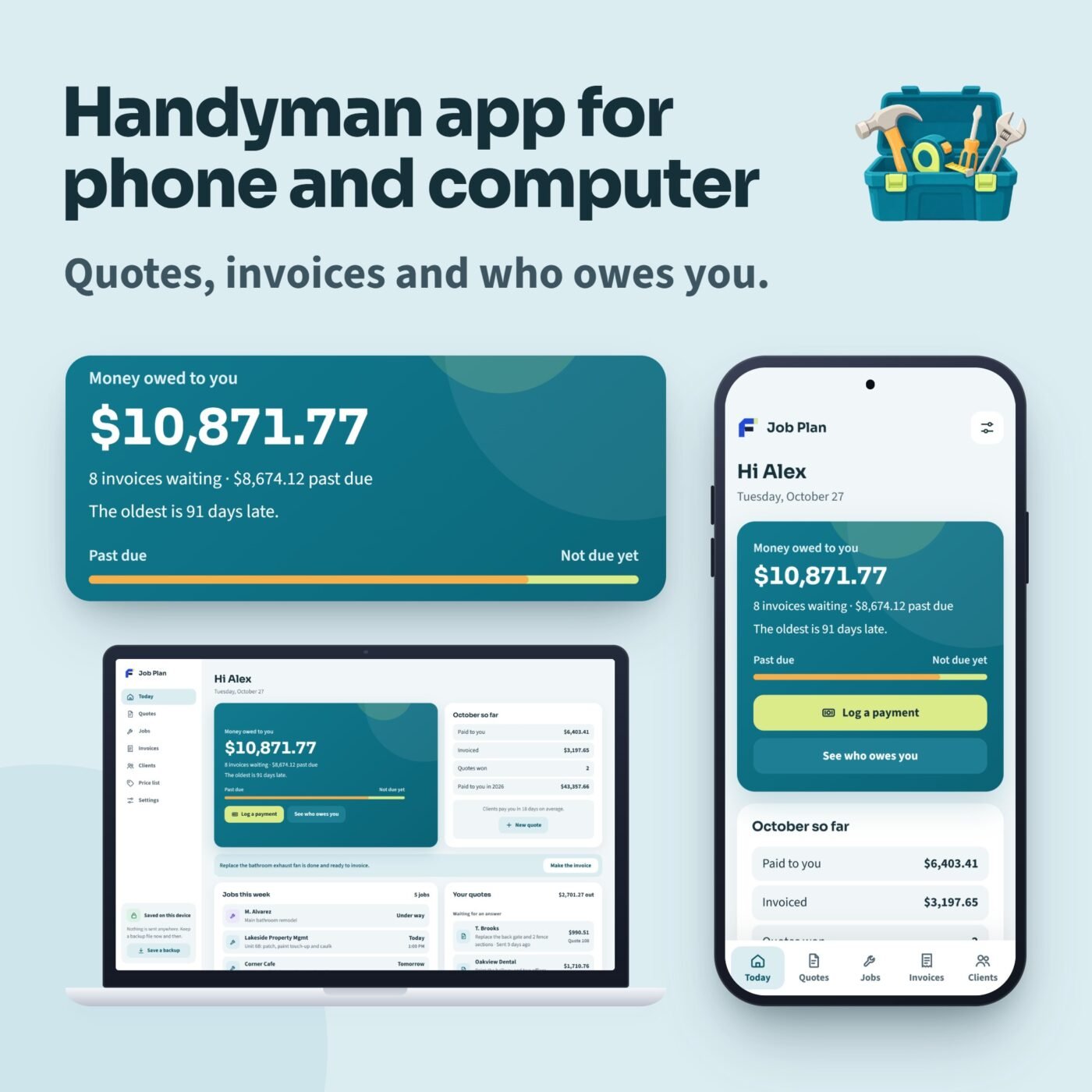
What it does
Job Plan is a business app for handymen and small contractors that opens in the web browser on your phone and your computer. Nothing to install from an app store, no account and no sign-in: what you add stays on your device.
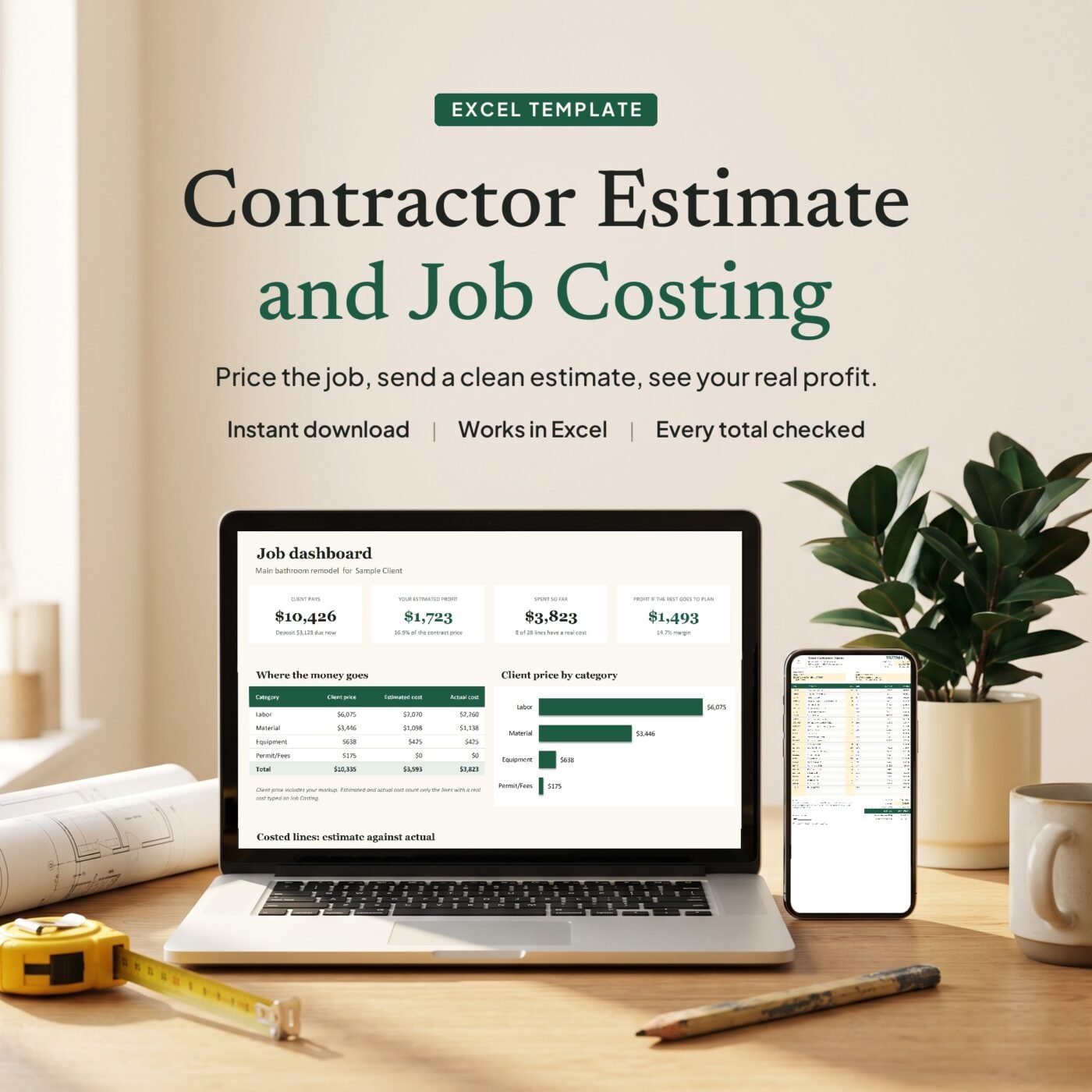
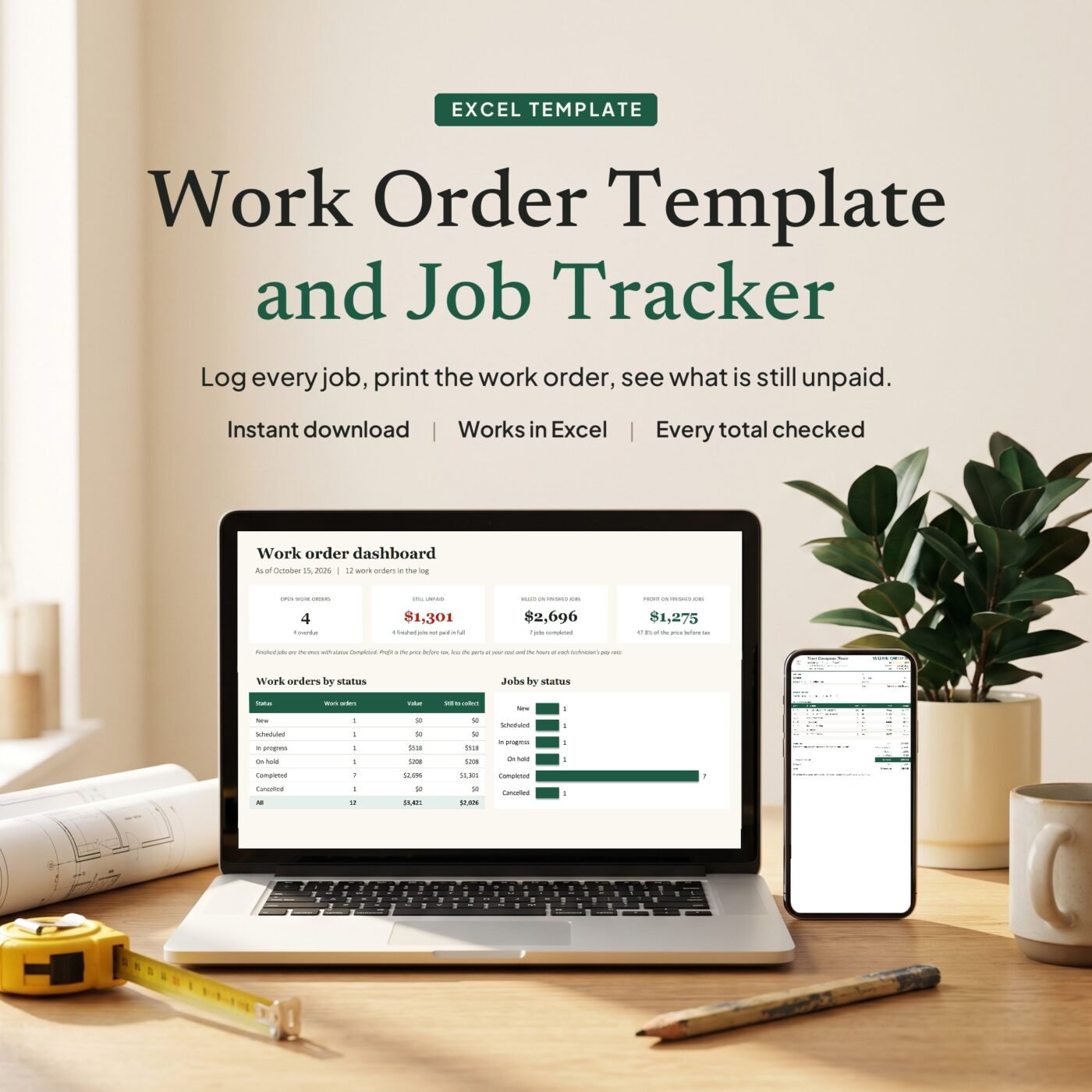
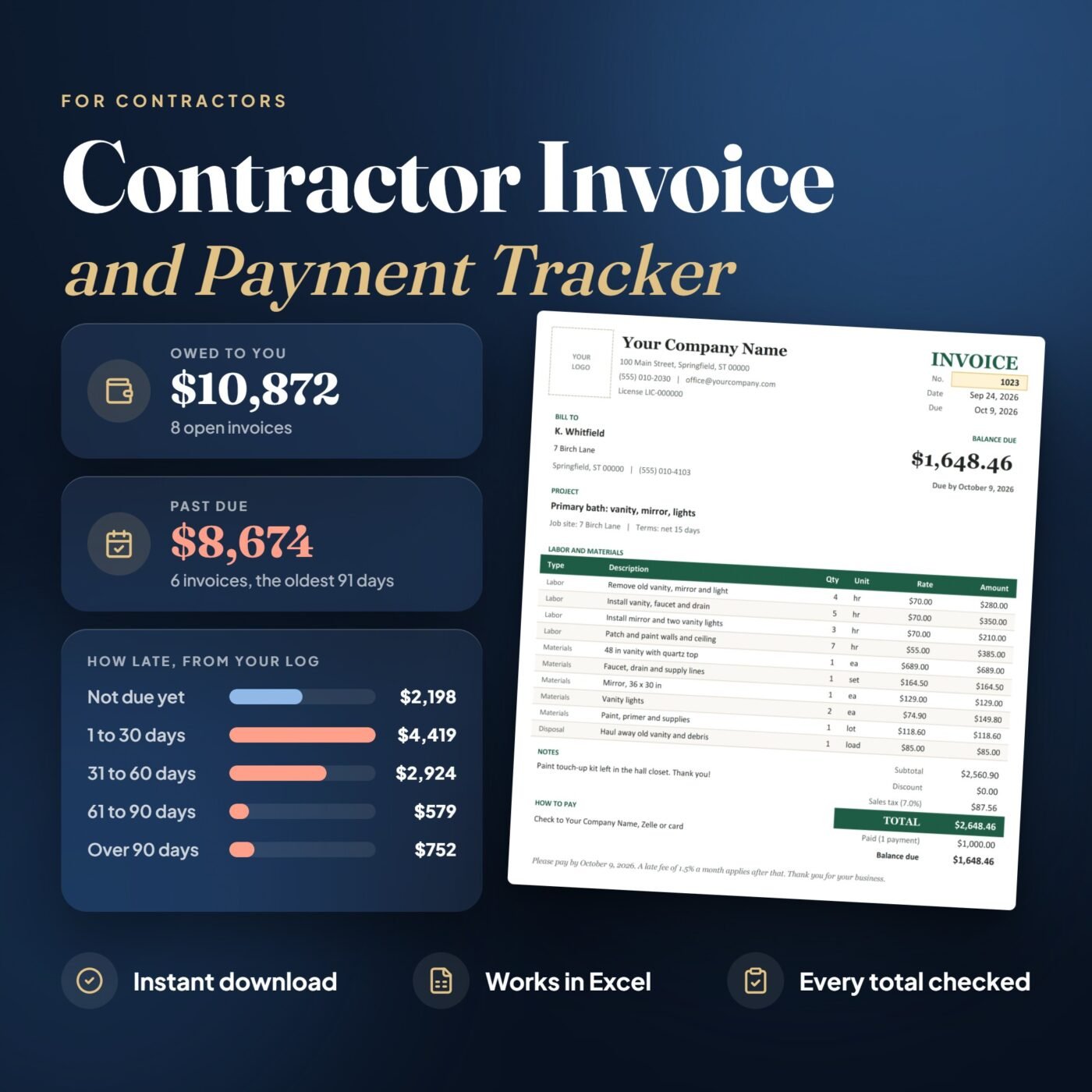
Price a job on site from your own price list, with sales tax on the taxed items and a deposit if you ask for one, and send the quote as a PDF with your logo. When the client says yes, the quote becomes a job; when the job is done, one tap makes the invoice. Log payments as they come in and see who still owes you money and how late, with a friendly reminder written for you. Log what each job costs as you go and see what was left for you.
After you buy, the Start Here guide gives you your private link and a code to scan with your phone’s camera. Add Job Plan to your Home Screen and it opens without internet after the first visit. An offline copy for computers is included. Save a backup file now and then to keep your work safe or move it to another device.
Try it first: the free demo opens every screen with the example business. Nothing you type in the demo is kept.
A real example
- Money owed to you
- $10,871.77
- Paid to you, the last 6 months
- $29,768.21
- Quotes still out
- $2,701.27
The app opens with a fictional example, Hartley Home Repair, built around the day you open it: 11 clients, 6 quotes, 6 jobs, 24 invoices and 38 prices.

I run Forms and Sheets. If you have a question about this file, you can email me. Email Hamza
What is inside
| Section | What it does |
|---|---|
| Today | Money owed to you and how much is past due, this month, this week's jobs, your quotes, who owes the most |
| Quotes | Priced from your price list or typed, a discount, sales tax, a deposit; sent as a PDF; a yes books the job |
| Jobs | The week at a glance; each job with the client, the work, deposits, what it cost and what was left for you |
| Invoices | Made from a job in one tap or typed, payments, how late, a friendly reminder written for you |
| Clients | Call, text or email; what each one owes; a statement as a PDF; their quotes, jobs and invoices |
| Price list | Your prices, or your cost plus your markup; a starter list of 38 prices to keep or change |
| Settings | Your business, logo and colour for the papers, tax, terms, numbers, Letter or A4, your backup file |
Questions
How do I get the app?
After you buy, download the Start Here guide. It has your private link and a code to scan with your phone's camera.
Does it work on iPhone and Android?
It opens in the web browser. Add it to your Home Screen from Safari on an iPhone or Chrome on Android, then open it from its icon. After the first visit it works without internet.
Do I need an account?
No. What you add stays on your device. Nothing is sent anywhere.
Can I put my logo on quotes and invoices?
Yes. Add your logo and pick a colour in Settings: every quote, invoice and statement carries them, as a PDF you share or print.
Can I use it on my phone and my computer?
Yes. Each device keeps its own work. Save a backup file on one and load it on the other to move your work.
Is there a monthly fee?
No. You pay once.
Can I try it first?
Yes. The free demo opens every screen with the example business. Nothing you type in the demo is kept.
What if I clear my browser?
Clearing your browsing data removes your work on that device. Save a backup file now and then and load it back when you need it.
Which browsers does it work in?
It is made for current Chrome, Edge, Safari and Firefox, and was checked in Google Chrome on Windows at phone and computer sizes.
Does it do my taxes or payroll?
No. Job Plan adds sales tax at the rate you set on the items you tax. It keeps no payroll or bookkeeping ledger; it is not tax advice.