What it does
Set monthly targets for income, expenses and savings. Record dated transactions in one log, then choose a month or use the dashboard for the full year.
The workbook includes a fictional household example and a separate blank copy. Edit the 18 category names in Settings and enter your own budget year.
Microsoft Excel desktop for Windows was used for the checks. The workbook has no macros or external links. Other spreadsheet apps have not been tested. The example is for illustration and is not financial advice.
A real example
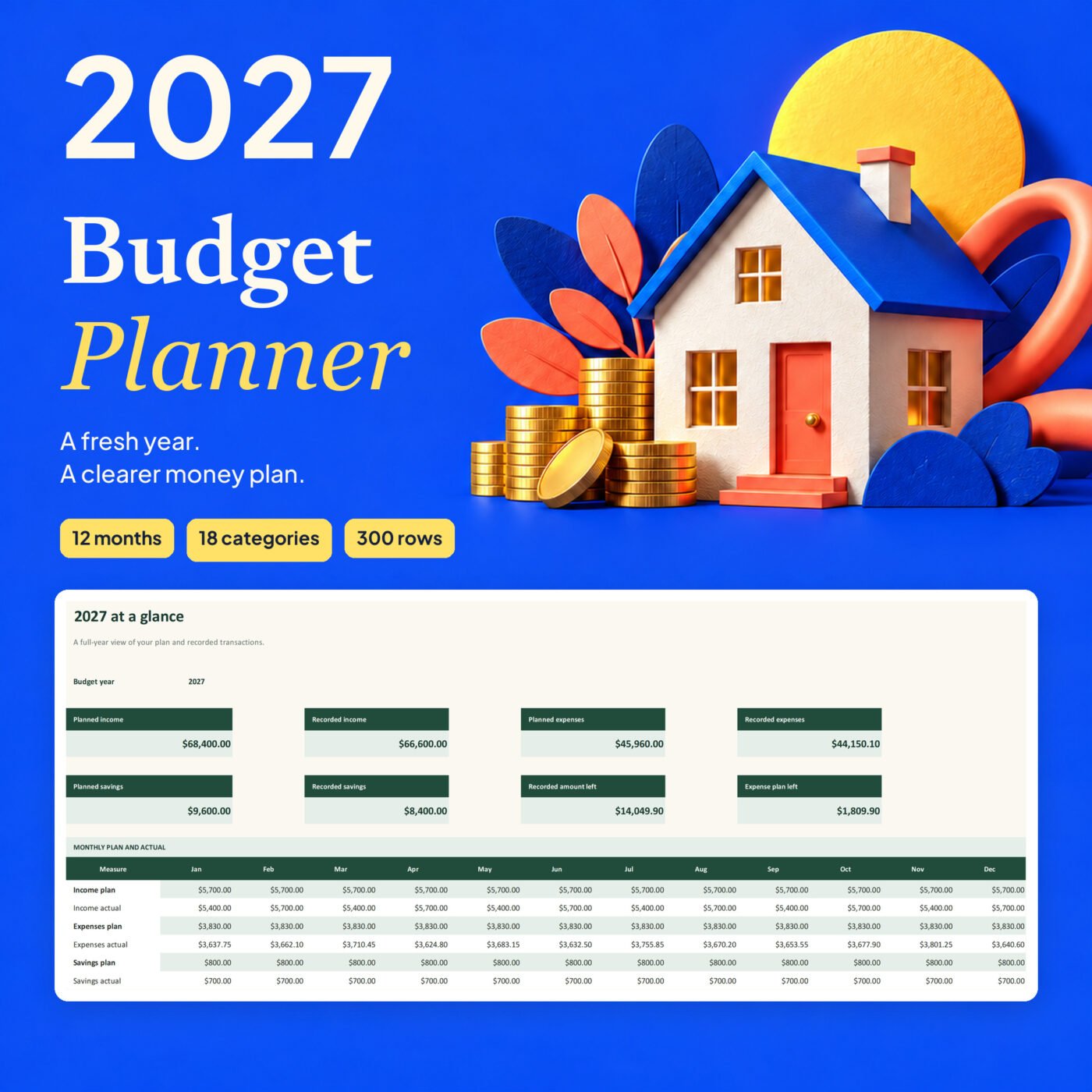
- Planned income
- $68,400.00
- Recorded expenses
- $44,150.10
- Recorded amount left
- $14,049.90
Morgan household example, January to December 2027. Planned income is $68,400.00; recorded income is $66,600.00. Planned expenses are $45,960.00; recorded expenses are $44,150.10. Planned savings are $9,600.00; recorded savings are $8,400.00. The recorded amount left after expenses and savings is $14,049.90. All names and transactions are fictional.

I run Forms and Sheets. If you have a question about this file, you can email me. Email Hamza
What is inside
| Section | What it does |
|---|---|
| Start Here | Six steps and plain setup notes |
| Dashboard | Annual totals and monthly plan versus actual |
| Annual Plan | Monthly targets for each income, expense and savings category |
| Monthly Review | Choose a month to compare plans and transactions |
| Transactions | One dated log with category, description and amount |
| Settings | Choose the budget year and edit category names |
Questions
What does the workbook do?
Plan monthly amounts by category, record transactions once, and review a month or the full year.
Can I change the categories?
Yes. The 18 category names are editable in Settings. The groups stay as income, expenses and savings.
How many transactions can I enter?
The workbook has 300 transaction rows.
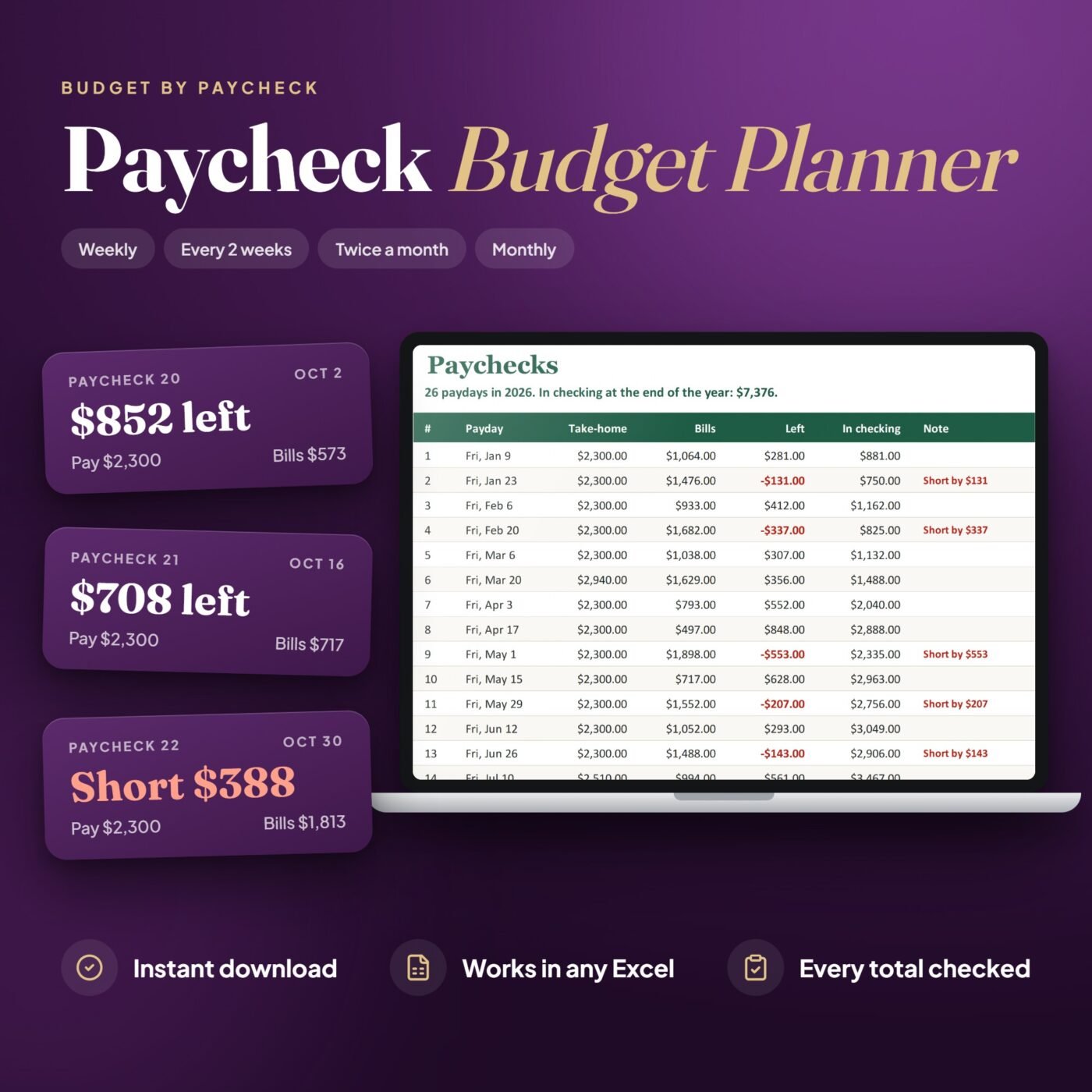
Does it assign each paycheck to bills?
No. It is a monthly household plan and actual tracker, not a payday-by-payday cash allocation.
What is in the example?
A fictional US household with a full-year category plan and dated transactions. Keep it as a guide and use the separate blank file for your own budget.
Which app do I need?
Microsoft Excel desktop for Windows was used for the checks. The workbook has no macros or external links. Google Sheets, Apple Numbers and Excel for Mac have not been tested.
Do the workbook totals update?
Yes. Annual, monthly and category totals recalculate from the plan and transaction log. Invalid transaction rows are flagged.
What files are included?
A worked example and a separate blank Excel workbook. This is a digital download; no physical item is sent.