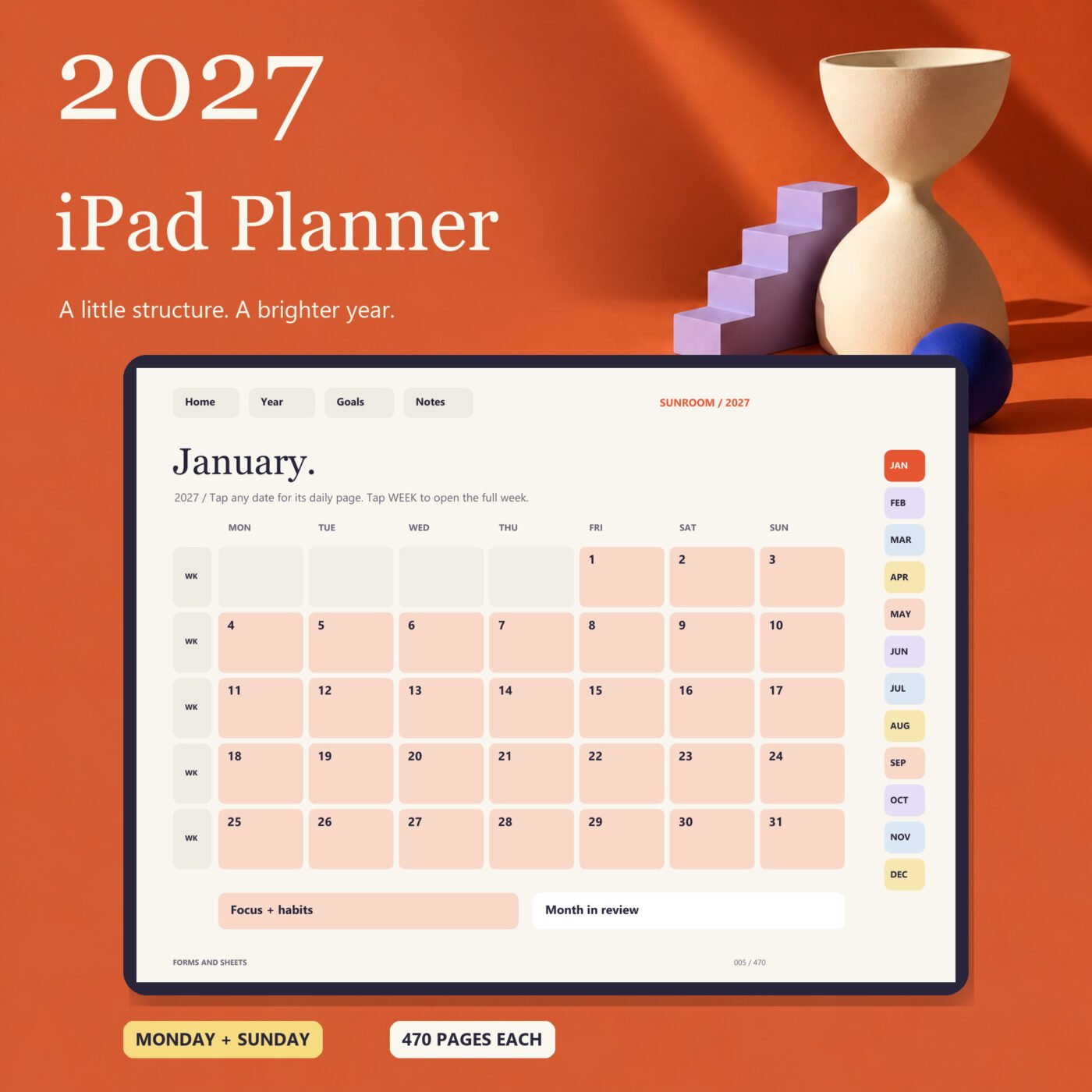
What it does
Plan 2027 with linked monthly, weekly and daily pages. Both Monday and Sunday starts are included, with 470 pages in each PDF.
The two versions have 470 pages each and every day of 2027. Use the month tabs, dates and buttons to move between pages.
A device, stylus and PDF annotation app are separate. Designed for iPad planning with apps that support imported PDF hyperlinks, such as Goodnotes. This is a writable PDF background, not a separate app or an automatic calendar. It has no alerts, account connections or calculations. Dates, link destinations and desktop PDF rendering were checked. A live Goodnotes session on iPad was not available for testing.

I run Forms and Sheets. If you have a question about this file, you can email me. Email Hamza
What is inside
| Section | What it does |
|---|---|
| Year + goals | Year overview and annual intentions |
| Monthly | 12 calendars, 12 focus and habit pages, 12 monthly reviews |
| Weekly | 53 dated weeks touching 2027 |
| Daily | 365 dated days with hourly schedule, priorities and notes |
| Notebook | Project, routines, reading, travel, brain dump, dot and blank notes |
| Quarterly | Four goal planning pages |
| Quick start | Two-page PDF guide for importing and navigation |
Questions
Which files are included?
Monday start and Sunday start planners, 470 pages each, plus a two-page Quick Start guide.
What app do I need?
Use a PDF annotation app that supports imported PDF hyperlinks. Goodnotes is one example. The app, iPad and stylus are separate.
Are the links built into the file?
Yes. Month tabs, dates, weekly links and page buttons link to pages within the PDF.
Does it add events to Apple Calendar?
No. It is a writable PDF background and does not connect to calendars or send reminders.
Has it been tested on iPad?
The finished PDFs were rendered and their dates and destinations were checked on desktop. A live Goodnotes session on iPad was not available for testing.
Can I choose Monday or Sunday?
Both complete versions are included. Choose the one you prefer when importing.
Can I duplicate note pages?
Use your annotation app's duplicate page command. Keep an original PDF and back up your annotated planner.