What it does
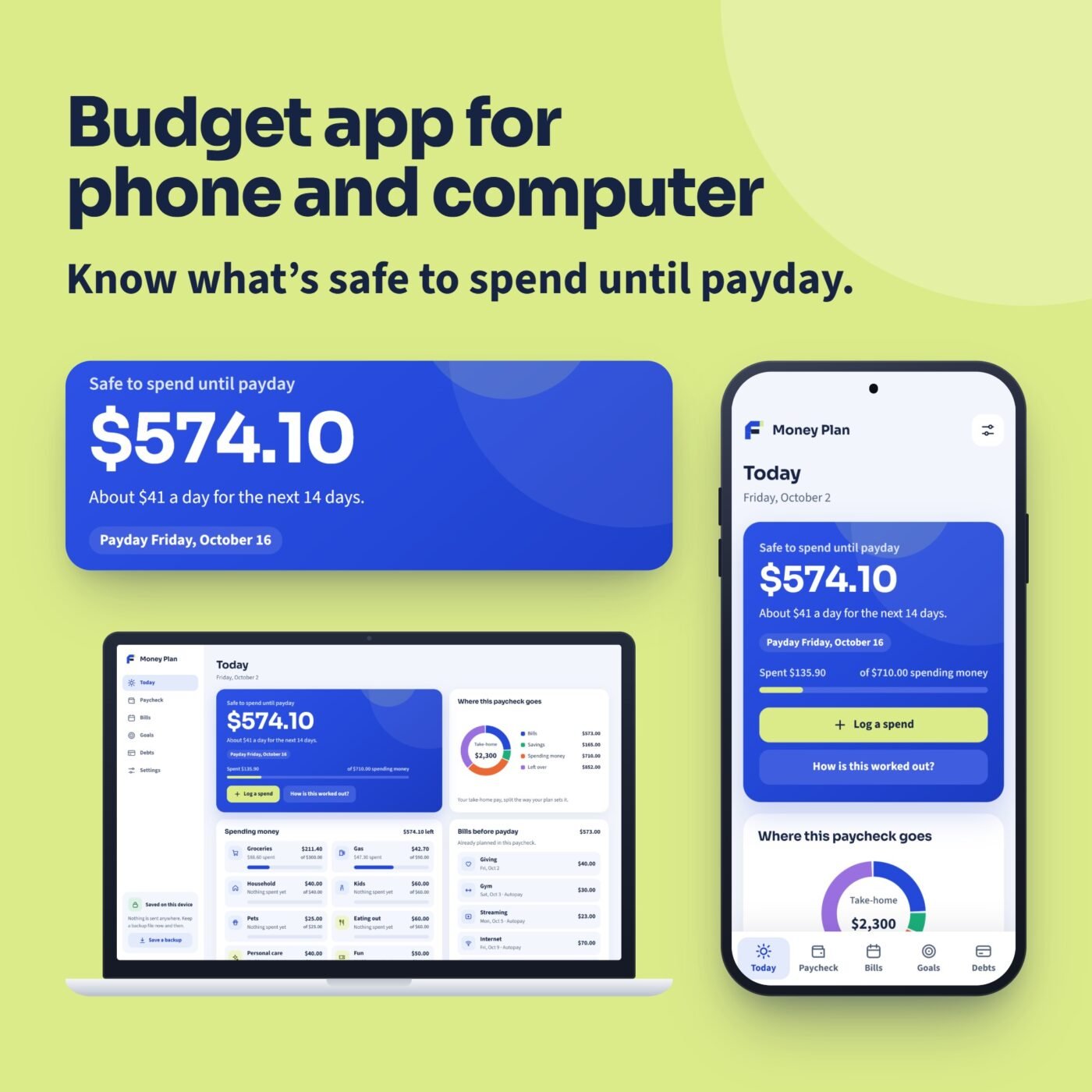
Money Plan is a budget app that opens in the web browser on your phone and your computer. Nothing to install from an app store, no account and no bank login: you type your own numbers, and they stay on your device.
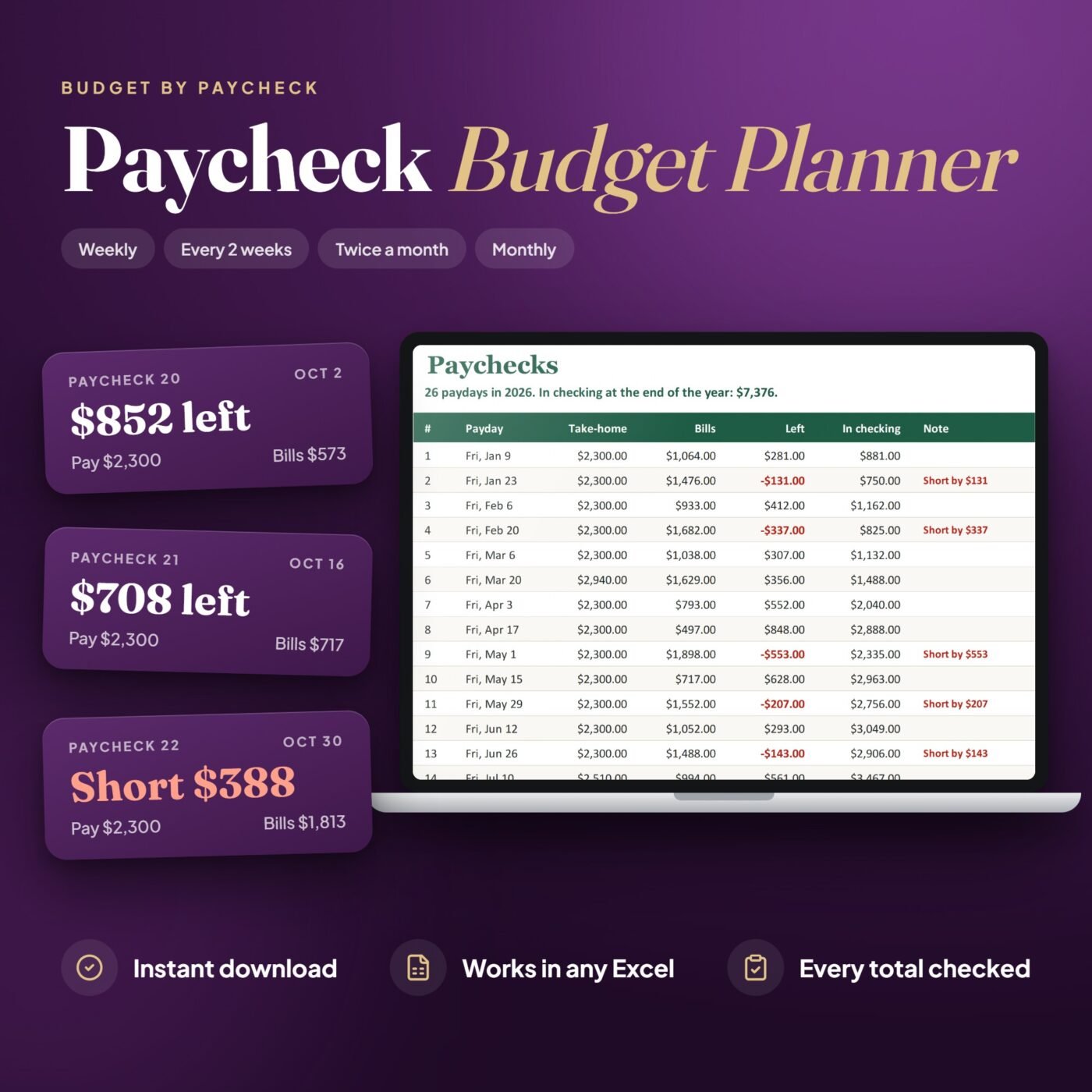
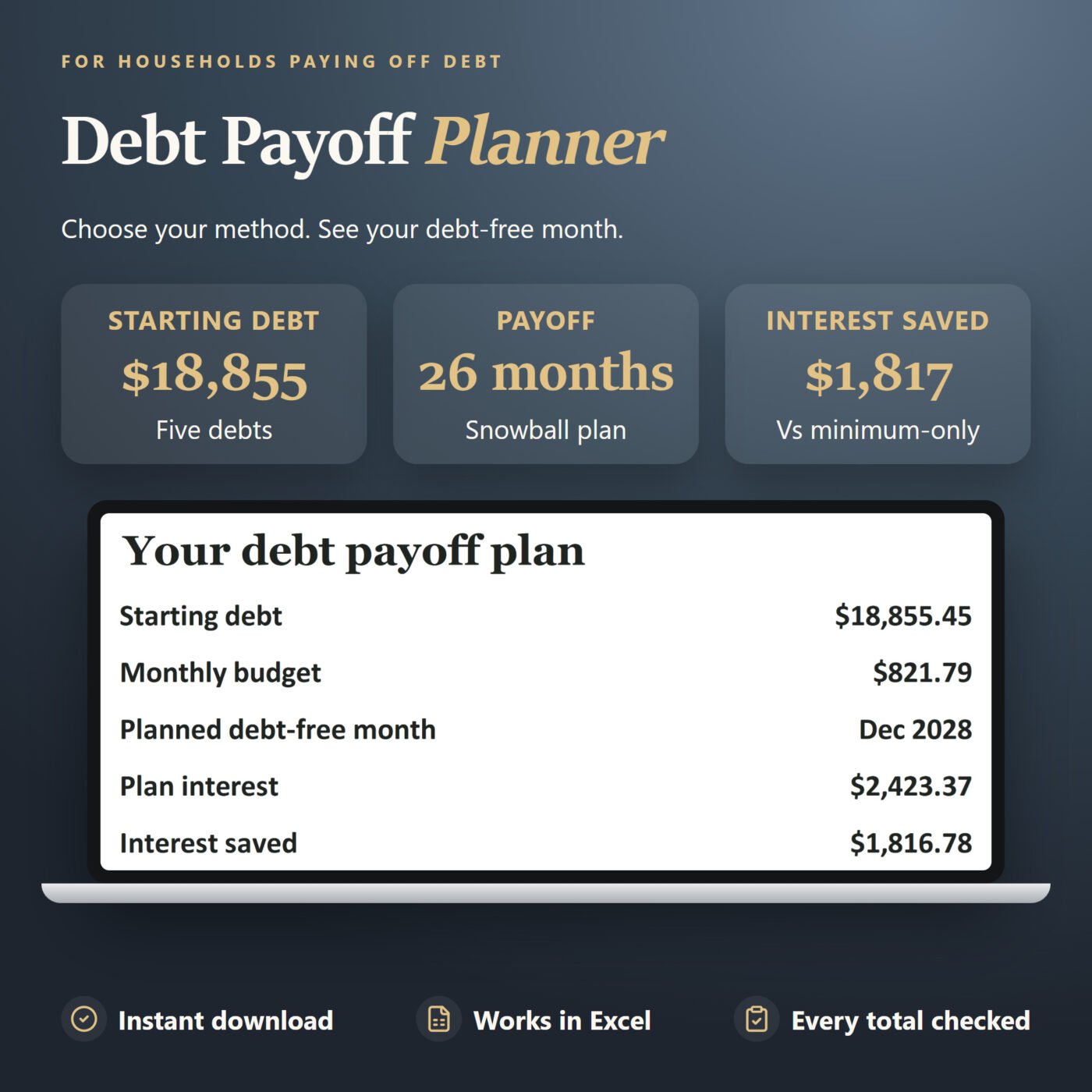
Today shows what is safe to spend until payday: this paycheck’s spending money minus what you have spent, after your bills and savings are taken out. Paycheck plans every paycheck months ahead and warns you when one will run short. Bills keeps every due date, Goals shows each savings goal as a ring, and Debts gives your debt-free date with the smallest balance or the highest interest first.
After you buy, the Start Here guide gives you your private link and a code to scan with your phone’s camera. Add Money Plan to your Home Screen and it opens without internet after the first visit. An offline copy for computers is included. Save a backup file now and then to keep your plan safe or move it to another device.
Try it first: the free demo opens every screen with the example numbers. Nothing you type in the demo is kept.
A real example
- Safe to spend until payday
- $574.10
- Debt-free by
- September 2029
- Interest saved against minimums only
- $7,243.05
The app opens with a fictional example: Jordan Rivera, paid every two weeks, on Friday, October 2, 2026, with 17 bills, 5 savings goals and 3 debts.

I run Forms and Sheets. If you have a question about this file, you can email me. Email Hamza
What is inside
| Section | What it does |
|---|---|
| Today | Safe to spend until payday, your spending money, bills before payday and what is coming up |
| Paycheck | What each paycheck pays, saves and spends, months ahead, with a warning when one runs short |
| Bills | Every bill with its due date and autopay, and what is still due before payday |
| Goals | Savings goals with progress rings, an amount every payday and a target date |
| Debts | Your debt-free date, smallest balance or highest interest first, and the interest you save |
| Settings | Your pay, your spending money and your backup file |
Questions
How do I get the app?
After you buy, download the Start Here guide. It has your private link and a code to scan with your phone's camera.
Does it work on iPhone and Android?
It opens in the web browser. Add it to your Home Screen from Safari on an iPhone or Chrome on Android, then open it from its icon. After the first visit it works without internet.
Do I need an account or a bank login?
No. You type your own numbers and they stay on your device. Nothing is sent anywhere.
Can I use it on my phone and my computer?
Yes. Each device keeps its own numbers. Save a backup file on one and load it on the other to move your plan.
What if I clear my browser?
Clearing your browsing data removes the numbers on that device. Save a backup file now and then and load it back when you need it.
Is there a subscription?
No. You pay once.
Can I try it first?
Yes. The free demo opens every screen with the example numbers. Nothing you type in the demo is kept.
Which browsers does it work in?
It is made for current Chrome, Edge, Safari and Firefox, and was checked in Google Chrome on Windows at phone and computer sizes.
Is this financial advice?
No. Money Plan is a planning tool that works out your own numbers.